WhatsApp for Hotels: Answer Every Guest in Seconds (2026)
WhatsApp for hotels lets AI answer guest questions about check-in, parking and rooms in seconds, day or night, while your front desk handles the rest.
On this page
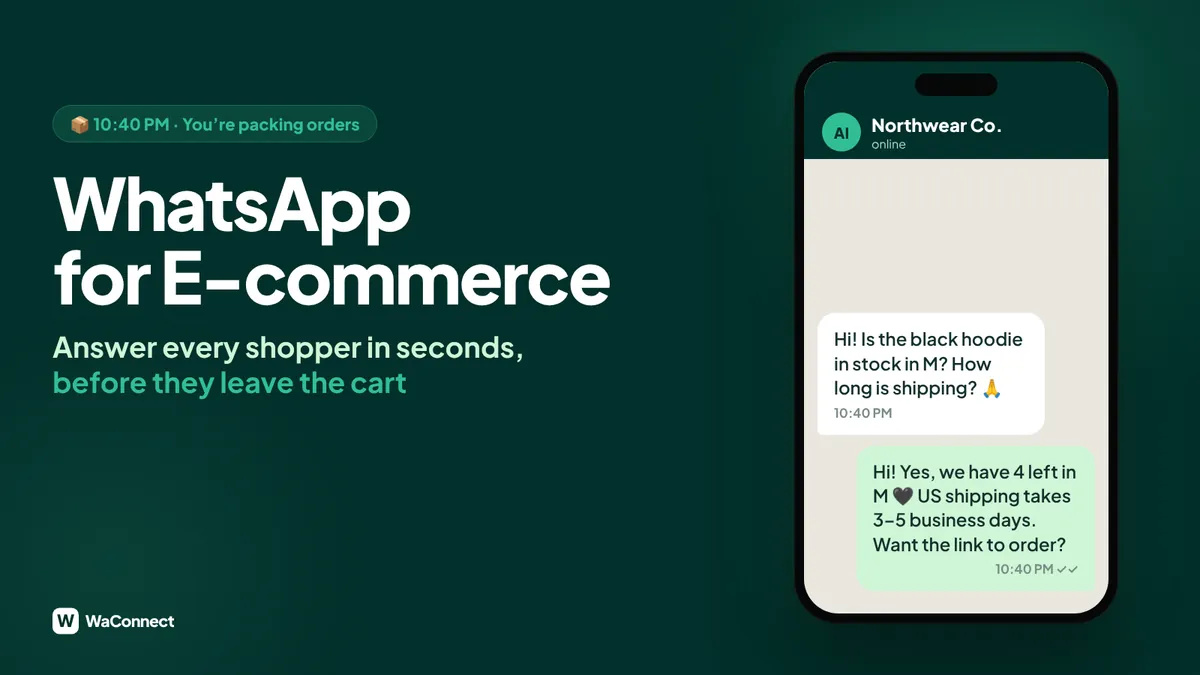
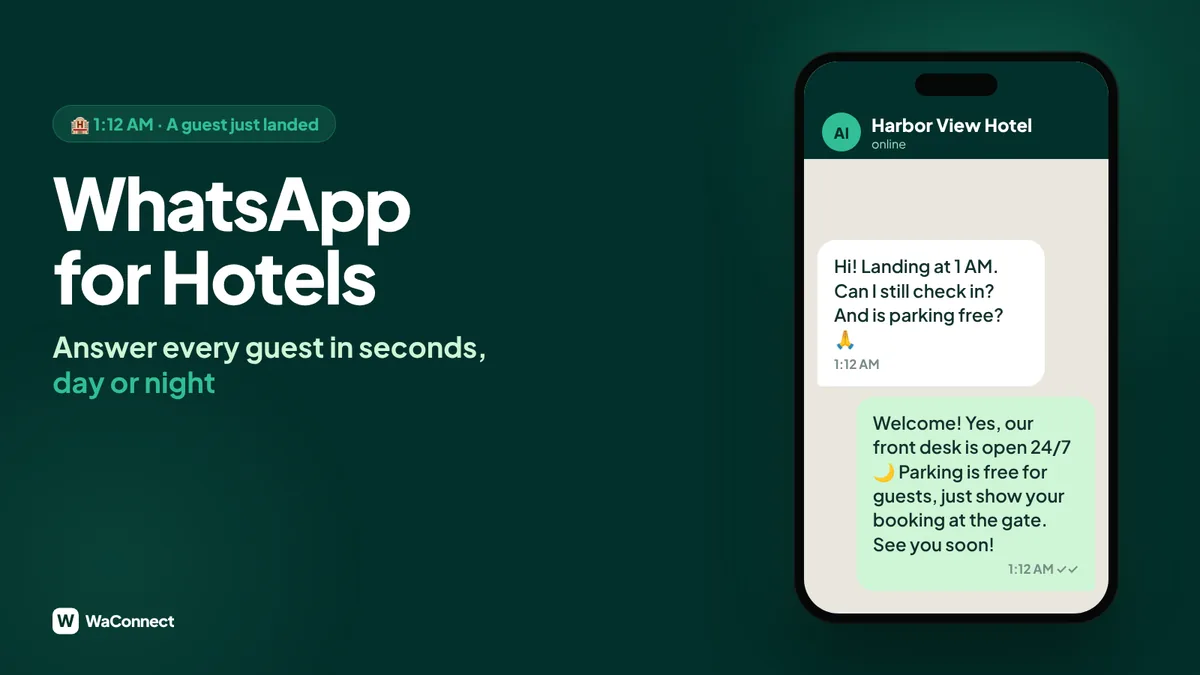
It’s 1:12 AM. A guest has just landed and wants to know if they can still check in. Another asks if parking is free. Meanwhile, your front desk is busy with a guest standing right in front of them. That’s where WhatsApp for hotels comes in: every guest gets an answer in seconds, and your team stays focused on the people in the lobby.
This guide explains how WhatsApp for hotels works with waconnect.ai, what the AI can answer, and how to set it up on the number your guests already use.
What Is WhatsApp for Hotels?
WhatsApp for hotels means using WhatsApp to answer guests before, during and after their stay. Guests message your hotel the same way they message friends. As a result, they get fast, personal answers without calling the front desk.
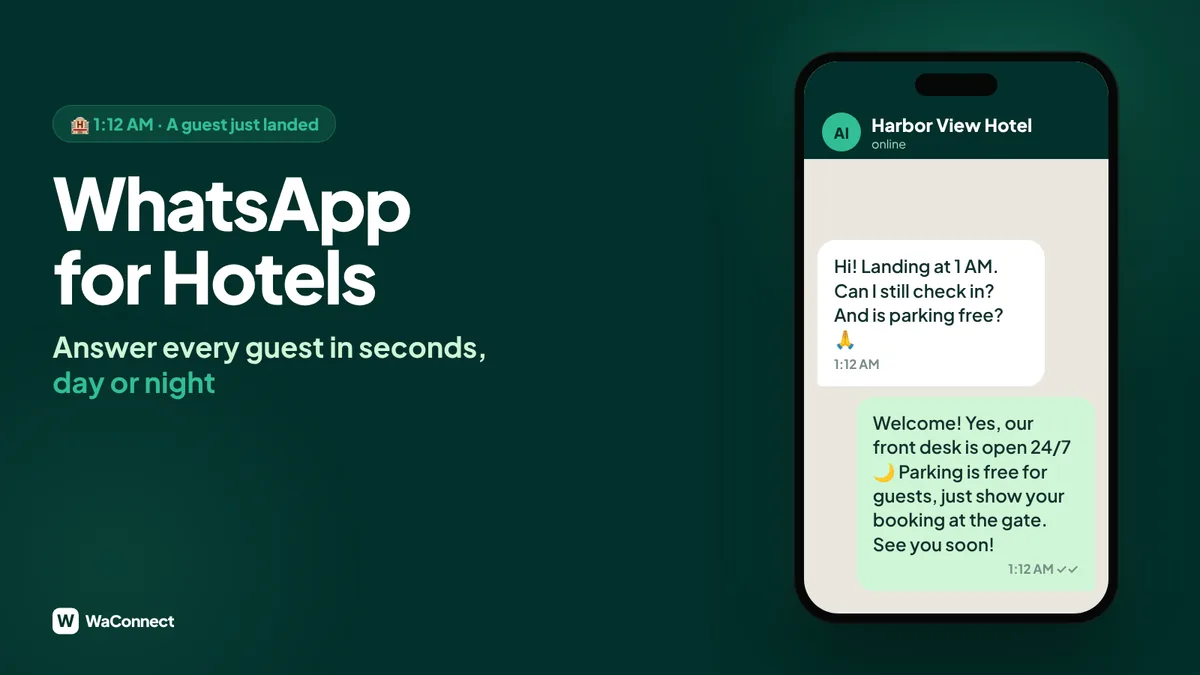
With waconnect.ai, WhatsApp Business for hotels gets smarter: AI replies on your hotel WhatsApp number. It answers from your website and documents, such as your FAQ, policies and room info. When a chat needs a person, it goes straight to your team.
Why Guests Prefer Hotel WhatsApp
Guests don’t want to wait on hold. In fact, most of their questions are short and simple, and WhatsApp fits that perfectly.
It’s instant. Guests get an answer in seconds, even at 1 AM.
It’s familiar. They already use WhatsApp every day.
It’s personal. A chat feels warmer than an email or a booking form.
It’s easy to share. Directions, links and photos land right in the chat.
That’s why WhatsApp for hospitality is growing so fast. For your hotel, it means fewer phone calls, happier guests, and more booking questions turned into stays.
What the AI Answers for Your Hotel
Most guest messages repeat the same questions every day. That’s why a hotel WhatsApp chatbot saves so much time. With waconnect.ai, the AI answers them from your hotel’s own information:
Check-in and check-out: “What time is check-in?” “Can I check out late?”
Parking and transport: “Is parking free?” “Do you offer airport pickup?”
Breakfast and dining: “Is breakfast included?” “What time does the restaurant open?”
Rooms and rates: “Do you have family rooms?” “How much is a sea-view room?”
Location and directions: “How far is the beach?” “Where do I park?”
Policies: “Can I cancel for free?” “Are pets allowed?”
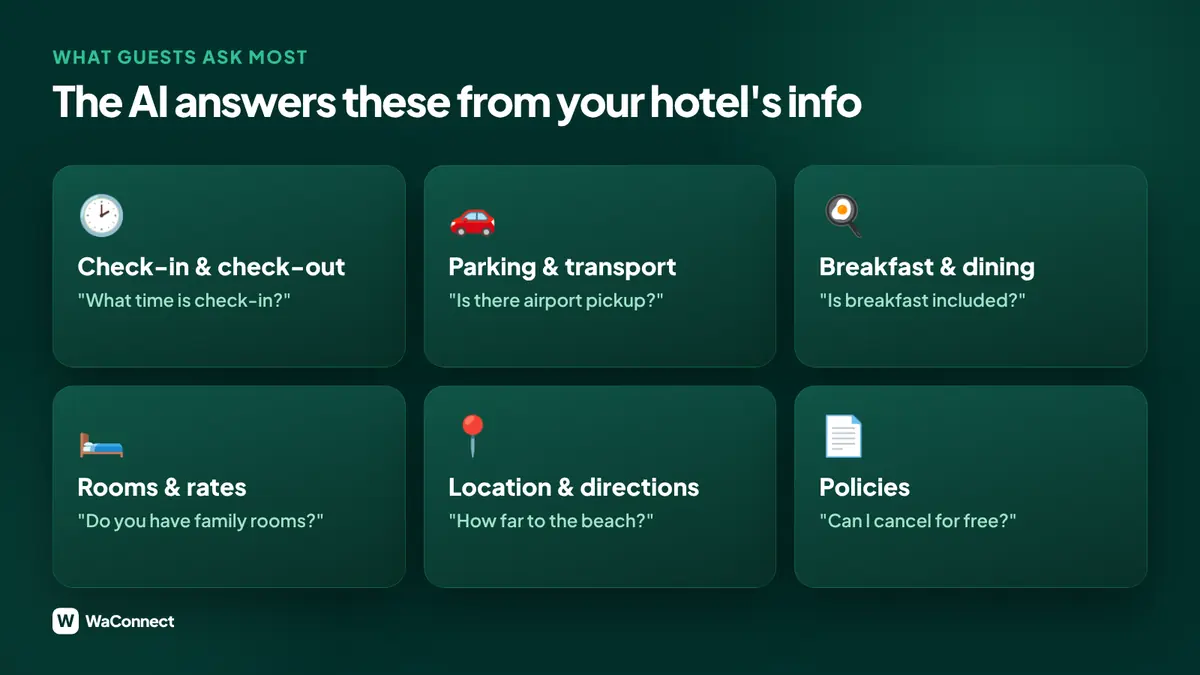
The AI answers from what you upload. So keep your website, room info and policies up to date, and the answers stay accurate.
How WhatsApp for Hotels Works With waconnect.ai
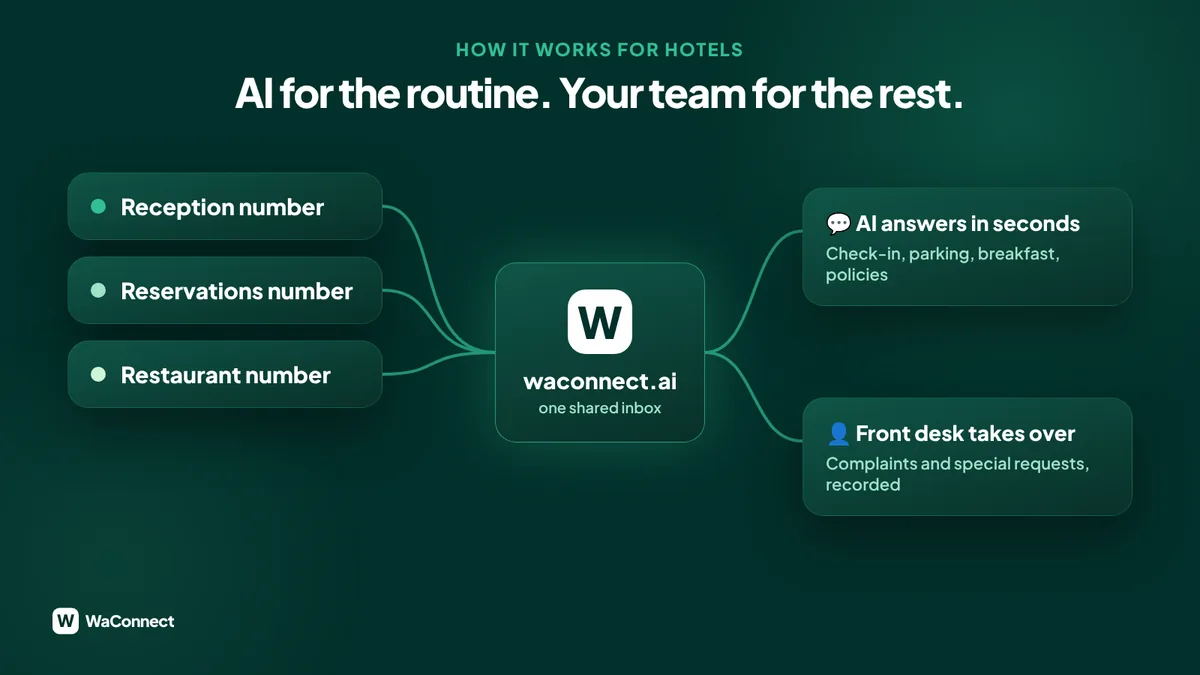
waconnect.ai gives your hotel AI replies, one shared inbox and smart handover, all on WhatsApp.
Your Number Stays Yours
To start with WhatsApp for hotels, you connect your existing hotel number by scanning a QR code. It links like WhatsApp Web, so guests keep messaging the number they already know.
One Inbox for Every Number
Many hotels run separate numbers for reception, reservations and the restaurant. waconnect.ai brings them all into one shared inbox. That way, your team sees every guest conversation in one place, which is where WhatsApp for hotels really pays off.
Access for Each Teammate
You choose which areas each person can open. For example, the restaurant team sees restaurant chats, while reservations handles booking questions.
The Front Desk Takes Over When It Matters
Some chats need a person, such as a complaint, a special request or a group booking. The AI hands those chats to your team and records them as escalations. Meanwhile, guests interested in a stay are recorded as leads, so your team can follow up.
24/7 or Business Hours
You decide when the AI replies. Run it around the clock, or only during the hours you set.
How to Set Up WhatsApp for Your Hotel in 4 Steps
Setting up WhatsApp for hotels with waconnect.ai takes a few minutes:
Sign up at waconnect.ai.
Connect your hotel number. Open WhatsApp, go to Settings → Linked devices → Link a device, and scan the QR code.
Add your hotel info. Add your website and upload documents such as your FAQ, room details and policies.
Choose your hours. Pick 24/7 or your business hours, then add your team to the shared inbox.
That’s it. From then on, the AI answers routine guest questions while your team handles the rest.
10 Hotel WhatsApp Message Ideas
Use these examples to see how a hotel WhatsApp chat can sound. Change the details to match your property.
Welcome: “Welcome to [Hotel Name]! 🏨 How can we help with your stay?”
Check-in: “Check-in starts at [3 PM]. Arriving early? We’ll keep your bags safe.”
Late arrival: “Our front desk is open 24/7, so arrive anytime. Safe travels! 🌙”
Parking: “Parking is free for guests. Just show your booking at the gate.”
Breakfast: “Breakfast is served from [7 to 10:30 AM] in our restaurant.”
Directions: “We’re [10 minutes] from the airport. Here’s our location: [link]”
Booking: “You can book directly here: [link]. Need help choosing a room?”
Pre-arrival: “We’re excited to welcome you tomorrow! Need airport pickup?”
During stay: “Need extra towels or a late checkout? Just reply here.”
After stay: “Thanks for staying with us! We’d love your review: [link]”
Best Practices for Hotel WhatsApp
Keep your info current. WhatsApp for hotels works best when room details, prices and policies are always up to date.
Write in your hotel’s voice. A boutique hotel can be playful, while a business hotel stays polished.
Hand over the big moments. Complaints, group bookings and special requests should reach a person fast.
Share links, not walls of text. Send your booking page, map or menu instead of long messages.
Check your inbox weekly. See which questions come up most, then fill any gaps in your documents.
Want more ready-made replies for nights and weekends? See our WhatsApp away message samples.
WhatsApp for Hotels FAQ
What is WhatsApp for hotels?
It’s using WhatsApp to answer guests before, during and after their stay. With waconnect.ai, AI replies in seconds and your team handles the rest.
Can AI answer hotel guests on WhatsApp 24/7?
Yes. waconnect.ai answers from your website and documents, and you choose 24/7 or business hours.
Do I need a new number for hotel WhatsApp?
No. To start with WhatsApp for hotels, you connect your existing hotel number by scanning a QR code.
Can I manage reception and reservations numbers together?
Yes. waconnect.ai brings every number into one shared inbox, and you choose what each teammate can see.
What happens with complaints or special requests?
The AI hands those chats to your team and records them as escalations, so nothing slips through.
Give Every Guest a Fast Answer
Your guests are already on WhatsApp, so WhatsApp for hotels is the easiest upgrade you can make. With waconnect.ai, every question gets an answer in seconds, and your front desk stays free for the guests in front of them.
Start free at waconnect.ai