WhatsApp for E-commerce: Answer Every Shopper Fast
WhatsApp for e-commerce: answer shoppers in seconds with AI replies, a shared inbox and smart handover, even while you pack orders.
On this page
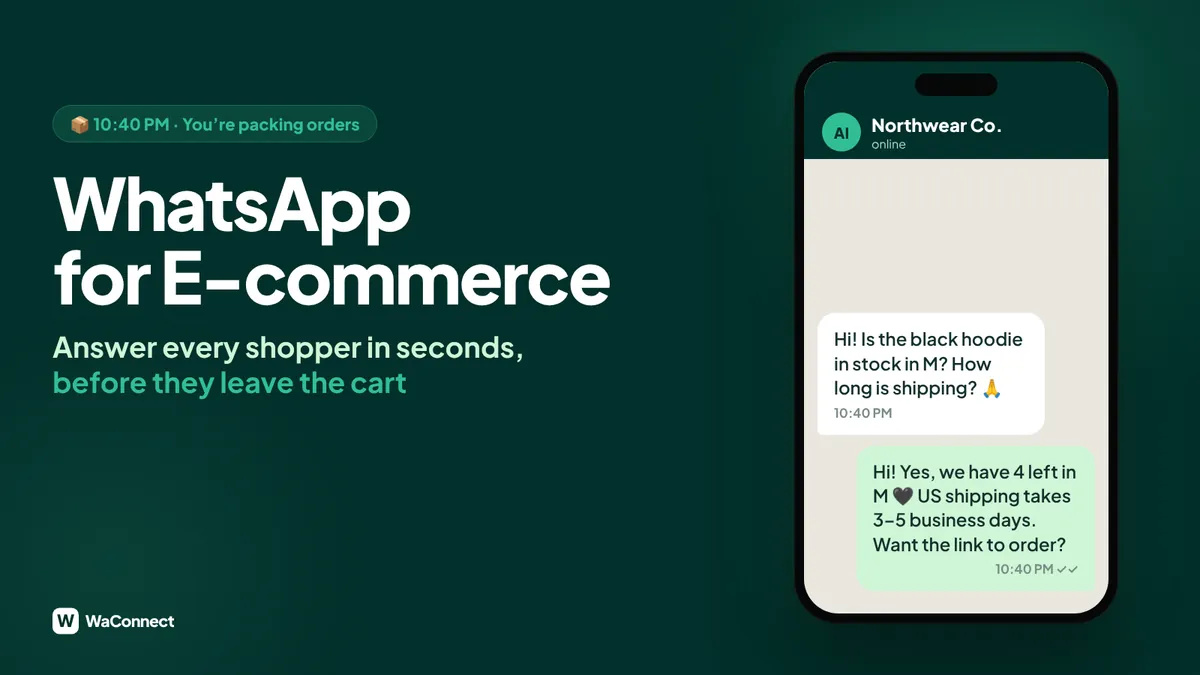
It’s 10:40 PM. You’re packing orders, and your phone buzzes again. “Is the black hoodie in stock in M?” “How long is shipping?” But you can’t reply right now. So the shopper closes the tab and buys from someone else. WhatsApp for e-commerce fixes that. Every shopper gets a fast answer. Meanwhile, you keep packing.
This guide shows how WhatsApp for e-commerce works with waconnect.ai. It also covers what the AI can answer. Then you’ll see how to set it up on your own number.
What Is WhatsApp for E-commerce?
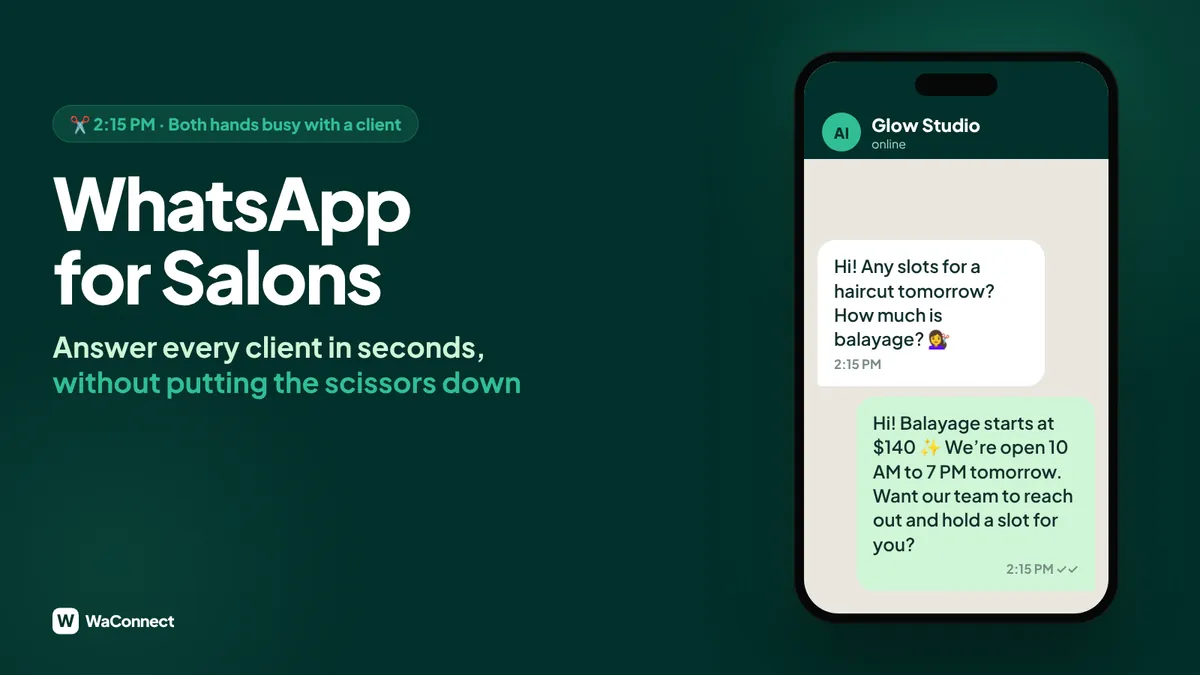
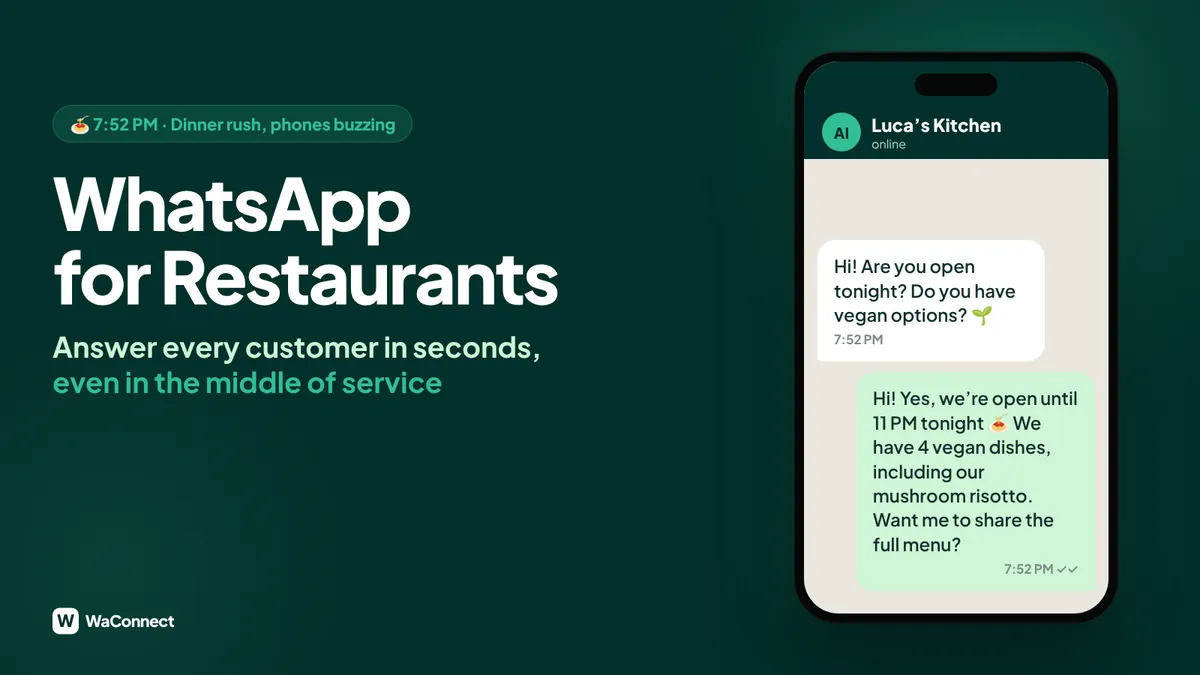
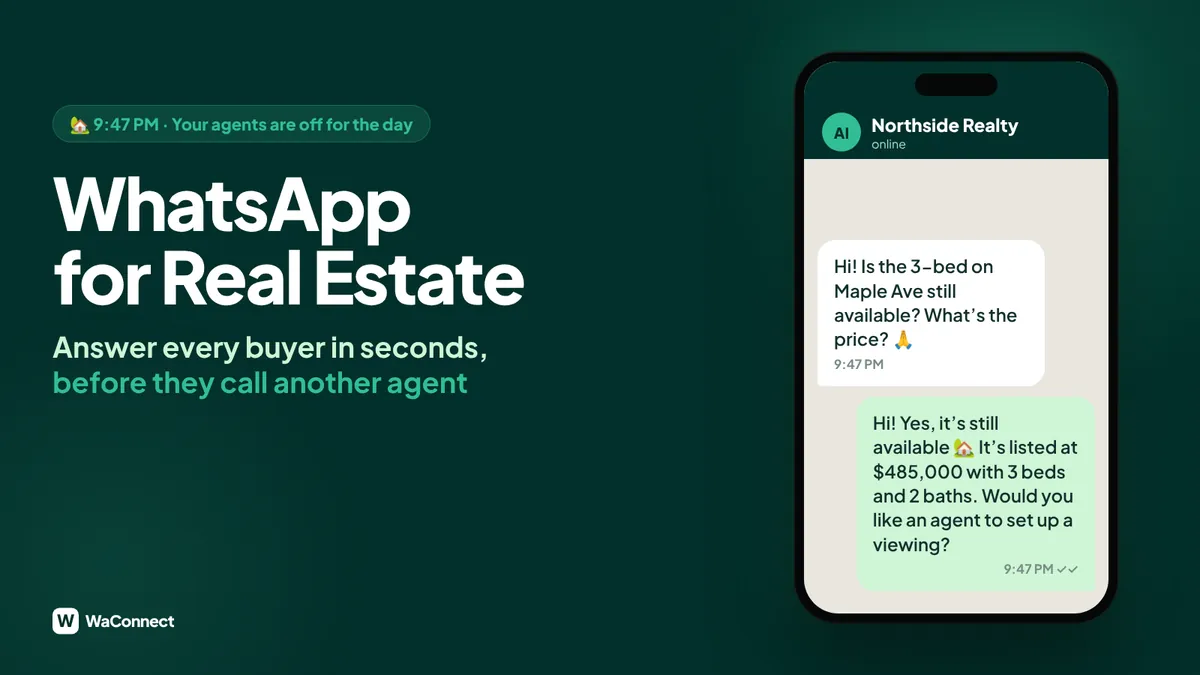
WhatsApp for e-commerce means using WhatsApp to answer shoppers about stock, sizes, prices, shipping and returns. Plus, most shoppers already use WhatsApp every day. As a result, a quick chat feels easier than an email or a contact form.
With waconnect.ai, WhatsApp Business for e-commerce gets smarter. AI replies on your store’s own number. It uses your website and your files, such as your size guide, shipping rates and return policy. When a chat needs a person, it goes straight to your team.
Why Online Stores Lose Sales on WhatsApp
Here’s the problem. Often, shoppers ask a question right before they buy. If nobody answers, they leave.
Shoppers want answers now. A slow reply often means a lost sale.
Questions come in at night. Many people shop after work, when your team is offline.
The same questions repeat. Stock, sizes and shipping come up again and again.
Small teams are busy. Packing, posting and sourcing leave little time to chat.
That’s why WhatsApp for e-commerce works so well. In other words, a fast reply keeps the shopper on your store, not a rival’s.
What the AI Answers for Your Store
In fact, most messages ask the same few things. That’s where a WhatsApp chatbot for e-commerce saves you hours. With waconnect.ai, the AI answers from your own store info:
Stock and sizes: “Do you have this in M?” “Is the blue one back?”
Prices: “Is this on sale?” “Do you have a discount code?”
Shipping: “How long does it take?” “Do you ship to Canada?”
Returns: “Can I return it?” “How long do I have?”
Product details: “Is it 100% cotton?” “How does it fit?”
Payment: “Do you take PayPal?” “Can I pay in parts?”
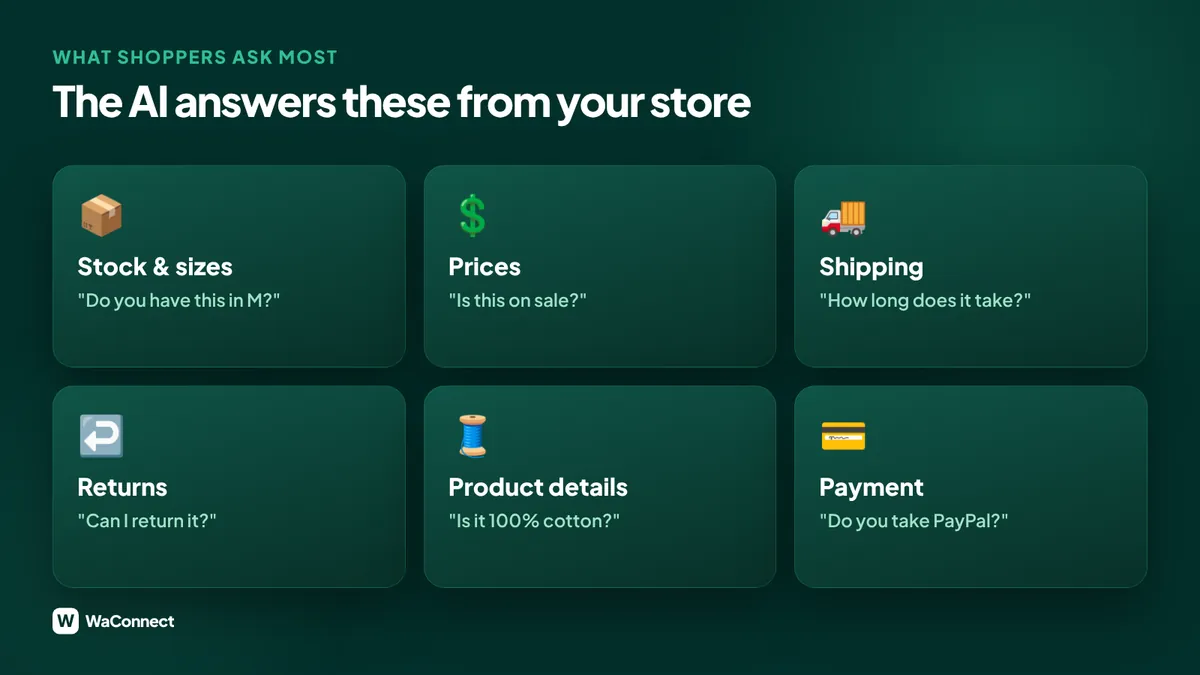
Remember, the AI answers from what you add. So keep your size guide and policies up to date, and the answers stay right. Also, if you sell on Shopify, you can connect your store so the AI checks stock for you.
How WhatsApp for E-commerce Works With waconnect.ai
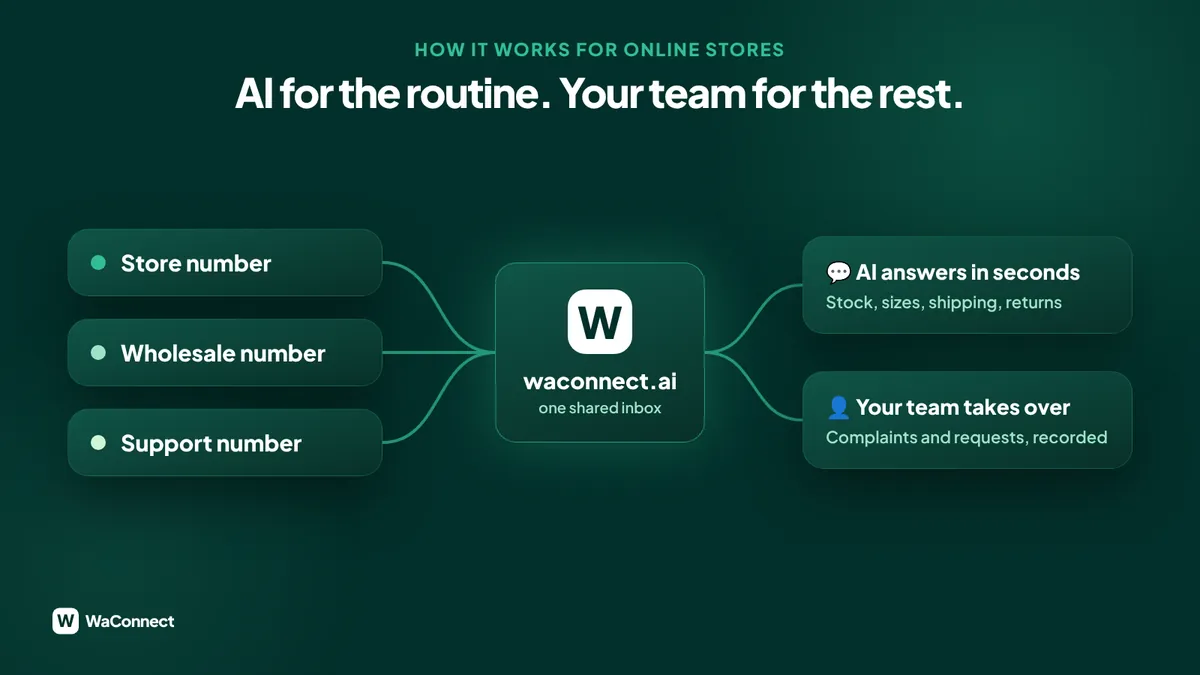
In short, waconnect.ai gives your store AI replies, one shared inbox and smart handover, all on WhatsApp.
Your Number Stays Yours
To start with WhatsApp for e-commerce, you connect your number by scanning a QR code. It links like WhatsApp Web, so shoppers keep messaging the number they know. Also, it works whether you use WhatsApp Business for e-commerce or a regular WhatsApp number.
One Inbox for Every Number
For instance, many stores run one number for sales, one for wholesale and one for support. Instead, waconnect.ai brings them all into one shared inbox. That way, your team sees every chat in one place.
Access for Each Team Member
Also, you choose what each person can see. For example, your support team sees support chats, while your sales lead handles wholesale.
Leads Saved for Your Team
Similarly, when a shopper shows real interest, the chat is saved as a lead. A bulk order is a good example. So your team knows who to call back first.
Your Team Takes Over When It Matters
Of course, some chats need a person. Think of a late parcel, a damaged item or a special request. In those cases, the AI hands the chat to your team and saves it as an escalation, so nothing gets missed.
24/7 or Business Hours
Finally, you decide when the AI replies. Run it around the clock, or only during the hours you set.
How to Set Up WhatsApp for Your Store in 4 Steps
Setting up WhatsApp for e-commerce with waconnect.ai takes a few minutes:
Sign up at waconnect.ai.
Connect your store number. Open WhatsApp and go to Settings → Linked devices → Link a device. Then scan the QR code.
Add your store info. Add your website and upload files such as your size guide, shipping rates and return policy.
Choose your hours. Pick 24/7 or business hours, then add your team to the shared inbox.
And that’s it. From then on, the AI answers the easy questions while your team packs and ships. Because the AI never sleeps, WhatsApp for e-commerce keeps selling through the night too.
10 E-commerce WhatsApp Message Ideas
First, use these examples to see how an e-commerce WhatsApp chat can sound. Then change the details to match your store.
Welcome: “Hi! Thanks for messaging [Store Name] 🛍️ How can we help?”
Stock: “Good news! The [item] is in stock in [size]. Here’s the link: [link]”
Sizes: “Our [item] runs true to size. Here’s our size guide: [link]”
Shipping: “US orders arrive in [3–5] business days. Shipping is free over [$50].”
Returns: “You can return unworn items within [30] days. Here’s how: [link]”
Sale: “Yes! The [item] is [20%] off until [Sunday].”
Payment: “We take cards, [PayPal] and [Apple Pay] at checkout.”
Bulk orders: “Thanks for asking about bulk orders! Our team will reach out shortly.”
Back in stock: “The [item] is back in [size]! Grab it here: [link]”
Thank you: “Thanks for your order! We hope you love it 💚”
Best Practices for E-commerce WhatsApp
Keep your info current. WhatsApp for e-commerce works best when stock, prices and policies are always up to date.
Reply in your brand’s voice. Friendly, clear and quick works for every shopper.
Send order problems to your team. A person should handle late, lost or damaged parcels.
Share links, not long texts. Send the product page instead of a long message.
Check your inbox weekly. See which questions come up most, then fill any gaps in your files.
Want a full team setup? Also see our guide to the WhatsApp shared inbox.
WhatsApp for E-commerce FAQ
What is WhatsApp for e-commerce?
It’s using WhatsApp to answer shoppers about stock, sizes, shipping and returns. With waconnect.ai, AI replies in seconds and your team handles the rest.
Can AI answer shoppers at night?
Yes. The waconnect.ai WhatsApp chatbot for e-commerce answers from your website and files. You choose 24/7 or business hours.
Do we need a new number for e-commerce WhatsApp?
No. You connect your store number by scanning a QR code.
Can the AI check stock in my Shopify store?
Yes. Connect your Shopify store, and the AI can answer stock questions for you.
What happens with late or damaged orders?
The AI hands those chats to your team and saves them as escalations. That way, a real person always follows up.
Reply Fast, Sell More
Your shoppers are already on WhatsApp. So WhatsApp for e-commerce is the easiest upgrade your store can make. With waconnect.ai, every question gets an answer in seconds. As a result, your team stays free to pack, ship and grow.
Start free at waconnect.ai